7 Ways to Use AI at Work — Practical Techniques You Can Start Today
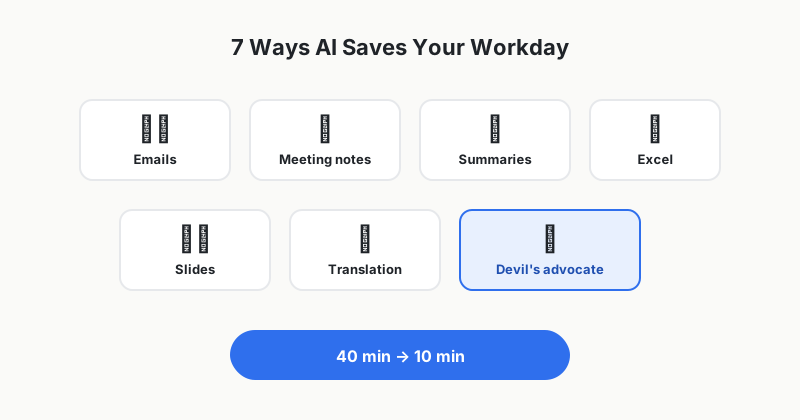
"I get that AI is useful, but what exactly should I have it do for my job?" To answer that question, I've collected the 7 techniques I actually use at work every week — each with a prompt you can copy and use as is.
1. Drafting awkward emails
The more uncomfortable the email — a refusal, a payment reminder, an apology — the bigger the payoff.
"Write an email to a vendor politely raising a complaint about a delivery delay. We need to keep the relationship, so nothing emotional — but make the request to prevent recurrence unmistakably clear. Five sentences max."
Don't send it as is — just fill in the details specific to your company and situation. The 10 minutes you'd spend on a first draft shrinks to one.
2. Turning rough meeting notes into proper minutes
Paste in whatever you scribbled during the meeting and ask for this.
"Turn the notes below into meeting minutes. Format: ① Decisions ② Action items (with owner and deadline) ③ Things to confirm before the next meeting. Do not make up anything that isn't in the notes."
That last sentence ("do not make up") matters. This one line dramatically cuts down on hallucinations.
3. Summarizing long reports and articles
"Summarize this document as if you were briefing my manager. Three lines of key conclusions + two lines on how it affects our company + one line on what to read carefully in the original."
Telling it who the summary is for makes a far bigger quality difference than a plain "summarize this."
4. Asking about Excel functions and formulas
You don't need to know the function's name — just describe what you want in plain language.
"In Excel, I have client names in column A and amounts in column B. I want per-client totals to appear automatically in column D. Give me the formula and walk me through where to put it, step by step."
5. Outlining a presentation
"I have to give a 10-minute presentation to executives reporting on our new service launch. Propose an 8-slide structure with a table of contents and one line of key message per slide."
The difference between starting from a blank page and starting from an outline is bigger than you'd think.
6. Translation with tone control
What sets it apart from a plain translation tool is that you can specify the tone.
"Translate this email into English. The recipient is an American buyer I'm contacting for the first time. Formal but not stiff, and consistent with business email conventions."
7. Having it play devil's advocate
Before submitting a proposal or plan, cast the AI as the villain.
"You are a hard-nosed finance executive who opposes this plan. Point out 5 weaknesses in this proposal and predict what question I'll get on each one."
It lets you rehearse the attacks you'll face in the actual meeting — this is my personal favorite of the seven.
One caution before you start
Never paste in company secrets or customer personal data. Some companies restrict AI use altogether under internal policy, so get in the habit of stripping out identifying details or replacing them with placeholders before pasting sensitive documents. I cover this in detail in the safety precautions post.